01Capture
Capture the sample.
Name the sample, select the material and add calibrated photos. You can start offline and upload later.
01 Overview
Analyse aggregate from calibrated phone photos. Inspect the detected particles and size distribution, then continue the same analysis on the web.
Available on App Store , Google Play and the web .
Currently tested down to 1 mm. Smaller sizes are in development.
02 Segmentation
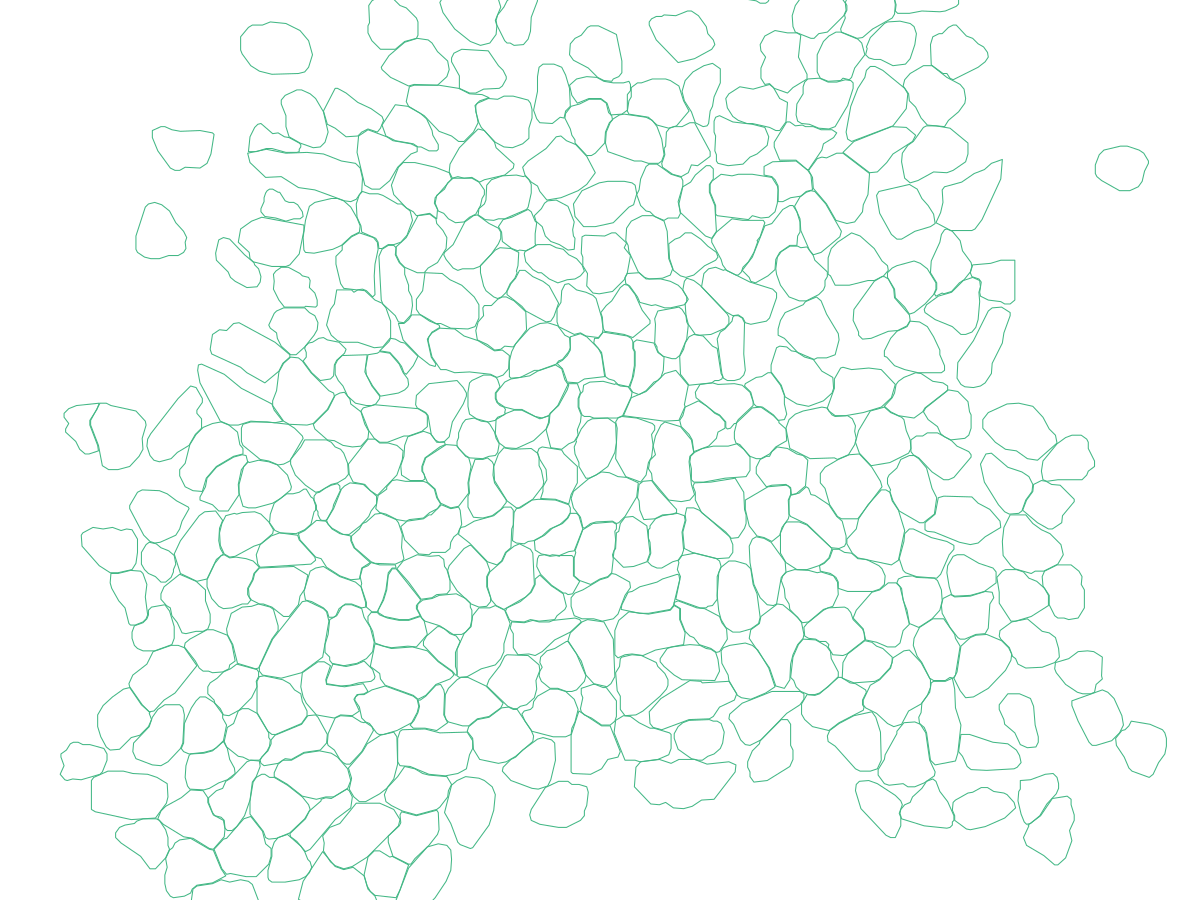
Compare the original photo with the detected particle boundaries.
Photo instructions and examples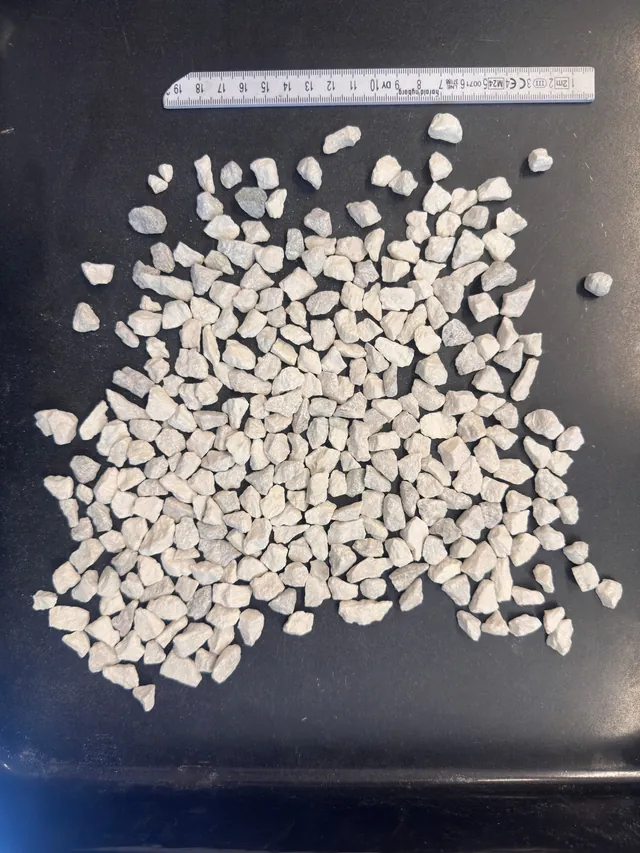
03 Particle review
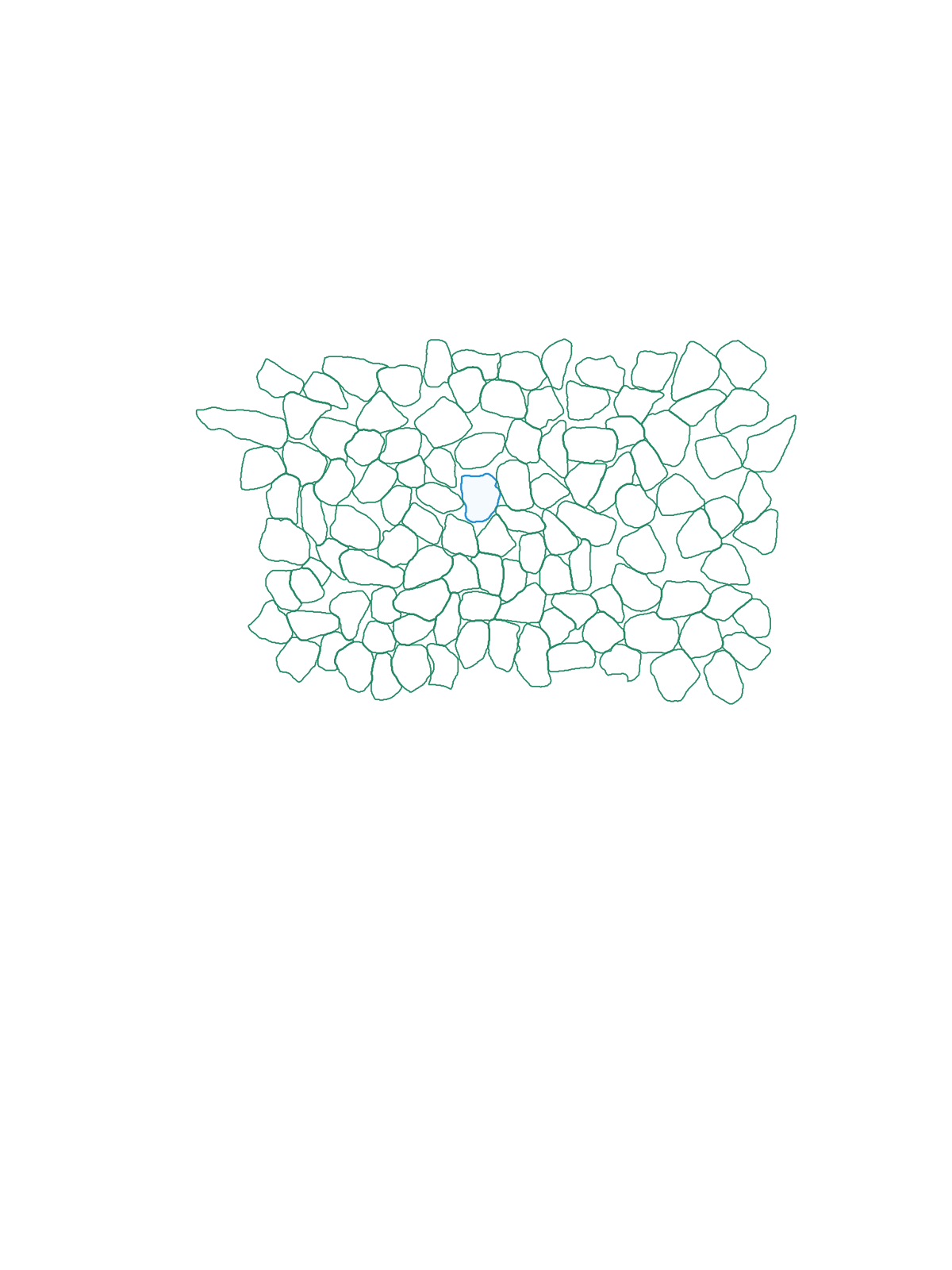
Select any outlined particle to see its passing size and 2D shape below. In the app, keep or exclude particles before saving your review.
Available on iPhone, iPad, Android and web
One analysis moves from phone capture to the reviewed result and report.
Name the sample, select the material and add calibrated photos. You can start offline and upload later.

Compare each source photo with its detected boundaries, then complete the review.
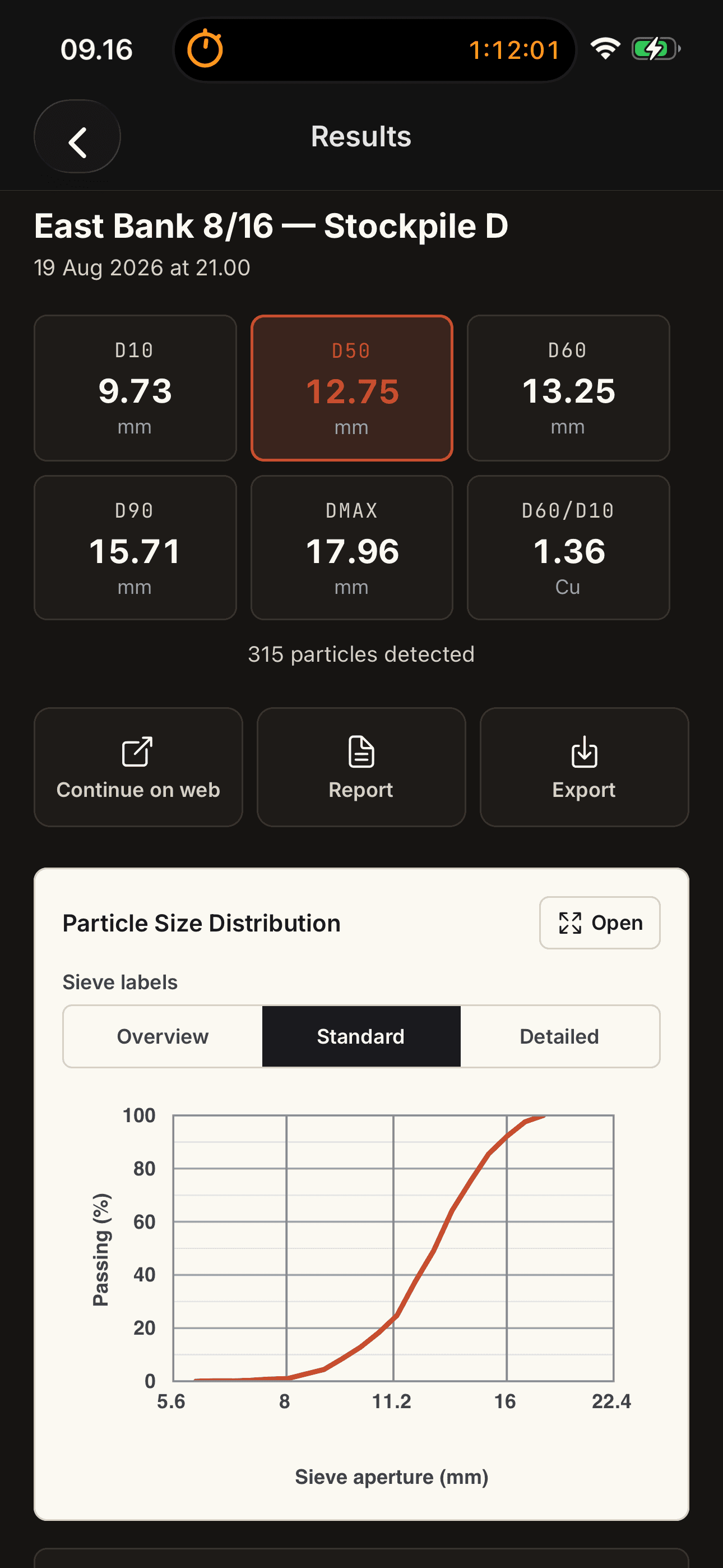
Open the D-values and curve, then create a report or export. Sample name and Analysis ID stay unchanged.
05 Report
Save D-values, the PSD curve and sample photos in a PDF report. You can also include 2D shape descriptors or export data as CSV.
Open example reportAnonymised Granite 8–16 mm example. The distribution estimates mass passing from images, assuming uniform density; it is not a physical sieve certificate.
06 Get started
Create a free account and start with your own sample.